A self-initiated redesign of Snapflow's homepage. Snapflow sells a design system that makes every screen snap into place, so I designed and built a homepage that does the same: precise, in motion, and live in English and Spanish.
- Role
- Concept, design and build
- Type
- Self-initiated redesign
- Year
- 2026
- Built with
- Next.js, GSAP, three.js
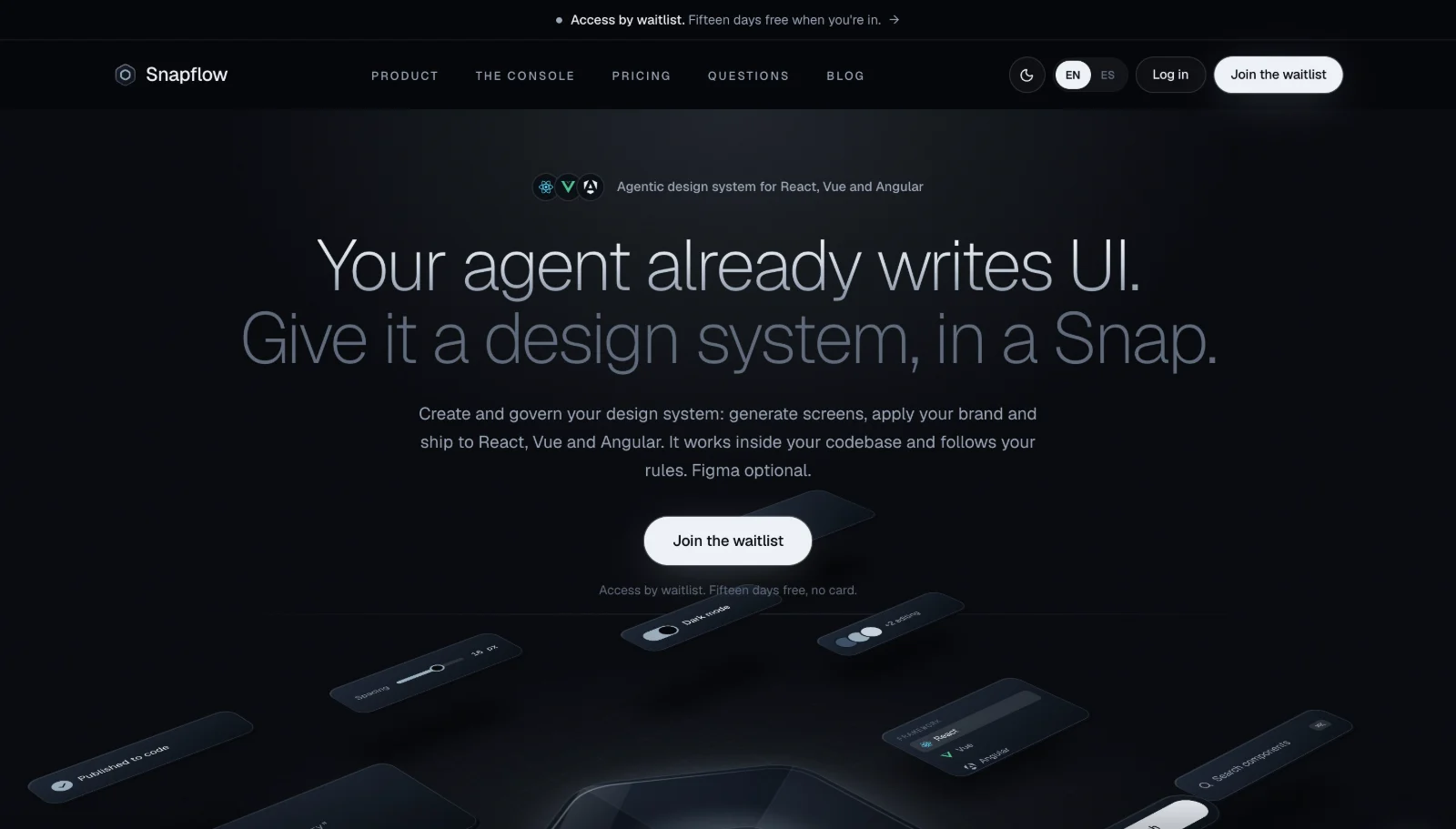
A precise product on a page that stood still.
Snapflow is an agentic design system: tokens, components, and usage rules in React, Vue, and Angular. Teams brand it, and their AI coding agent builds every screen from it, inside their own repo.
The live homepage had the right headline, but a flat grey canvas and static isometric cards that never showed the product doing anything. I redesigned and built the homepage as a concept to pitch to Snapflow's founder as a live link. I kept every fact and line of copy from the live site, and changed the story, the look, and the motion.
Make a design system feel precise before anyone reads a word.
Show the product moving, not posed.
Pitch it as a working site, not a mockup.
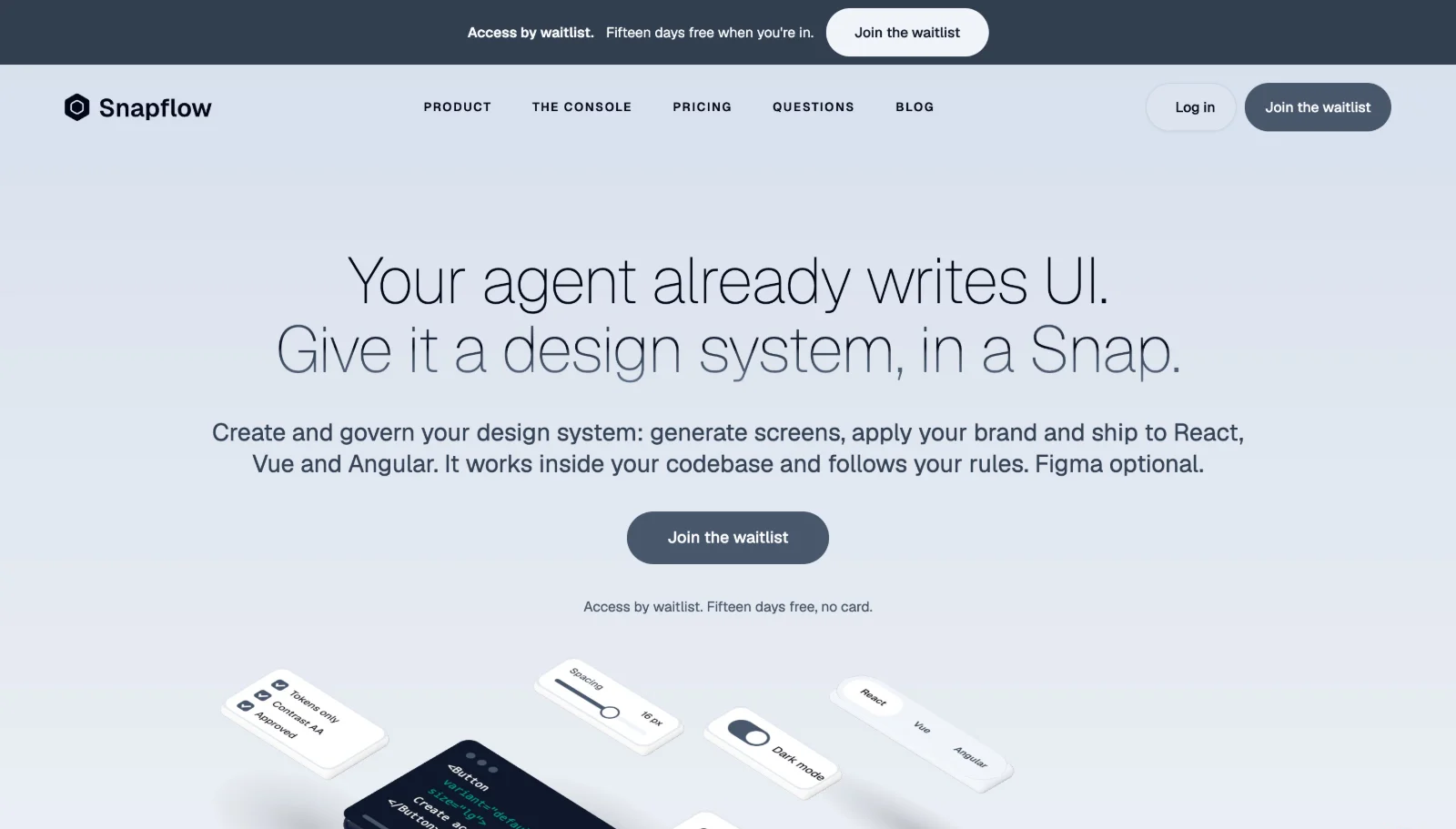
Same headline. A different first impression.
Drag to compare the live homepage with my concept. The words are the same. What changed is how it feels and what it shows.
- 01
An obsidian lab
A dark glass canvas, with a white mode one click away, so a precision tool looks precise.
- 02
Product in motion
A 3D glass hexagon and scroll-driven scenes show pieces snapping into place, instead of static cards.
- 03
One clear story
Twelve sections in order: why it matters, what it does, how it gets into your codebase, then governance and pricing.
It shows instead of tells.
Every section gets one animation that proves its point. The reel walks through the concept in motion: the 3D glass hexagon, pieces snapping into place, and scroll-driven scenes, side by side with the live site.
Detailed Solution
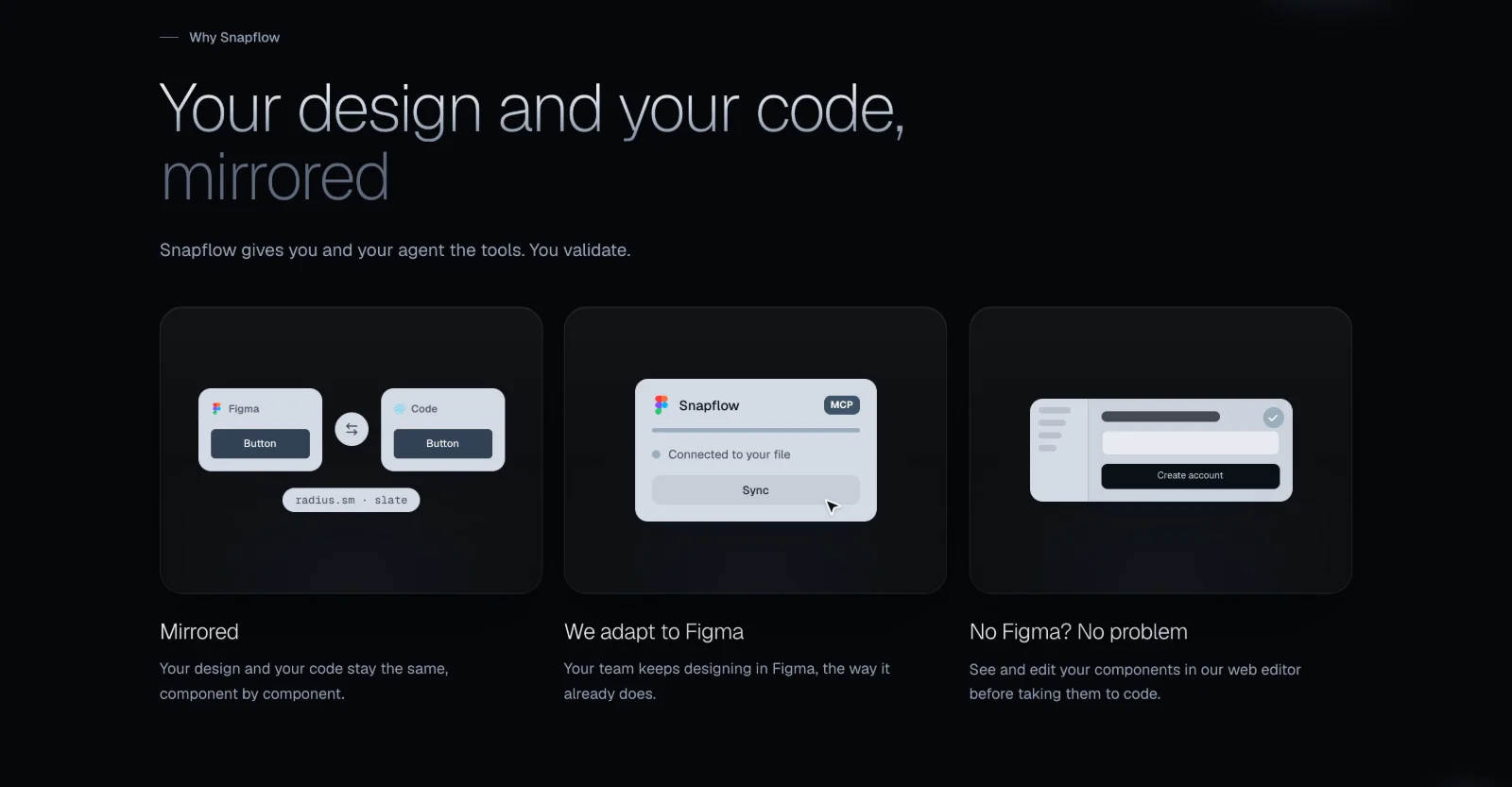
Mirrored, shown not claimed
The core promise is that design and code stay the same. Instead of saying it, the section shows a Figma button and a code button sharing one token, then the Figma sync and the web editor for teams without Figma.
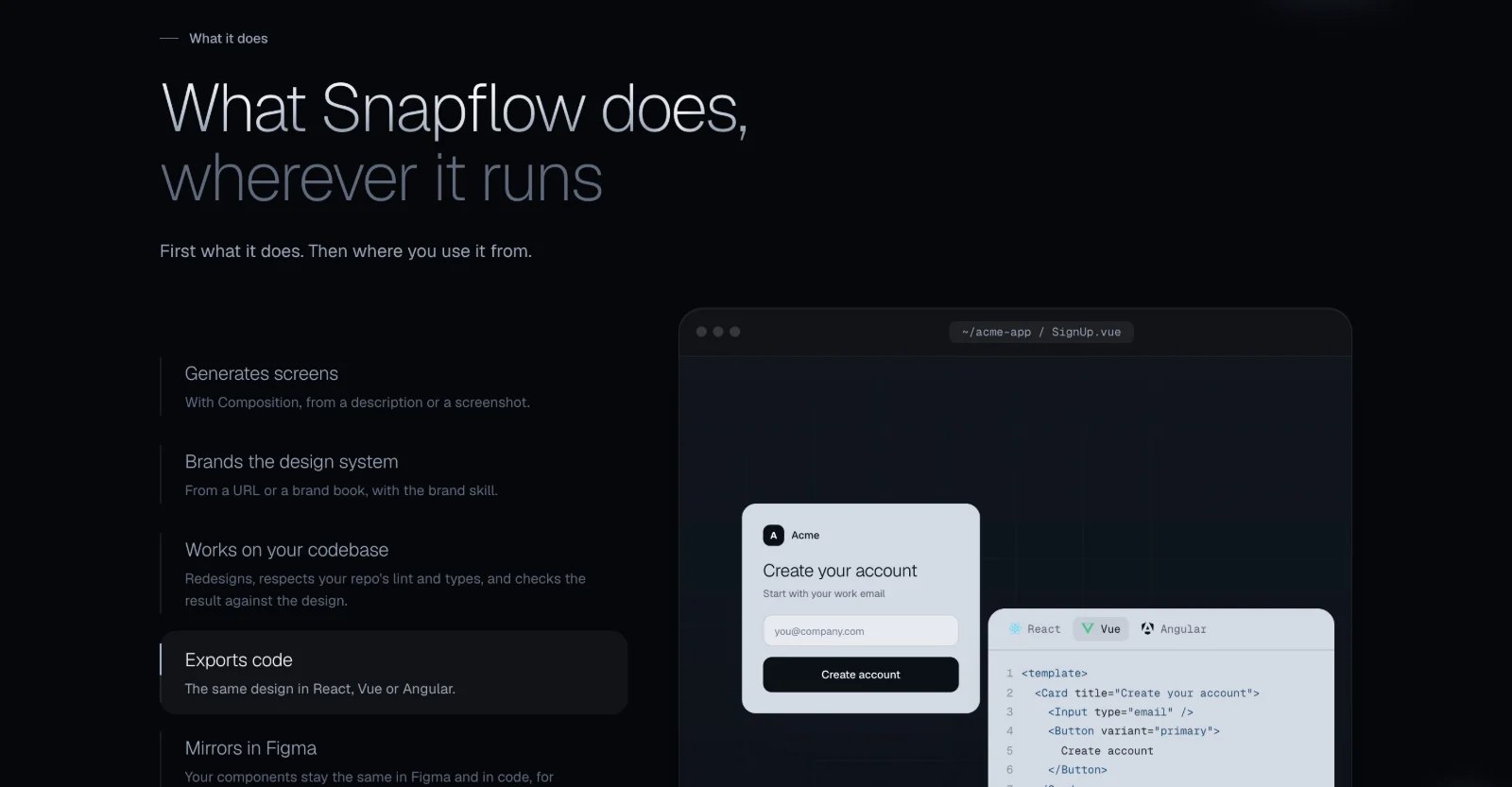
Capabilities beside a live window
Each capability sits next to a real window: a branded sign-up screen and the same screen as code, switchable between React, Vue, and Angular. One design, three frameworks, in one glance.
What it brings, what you bring
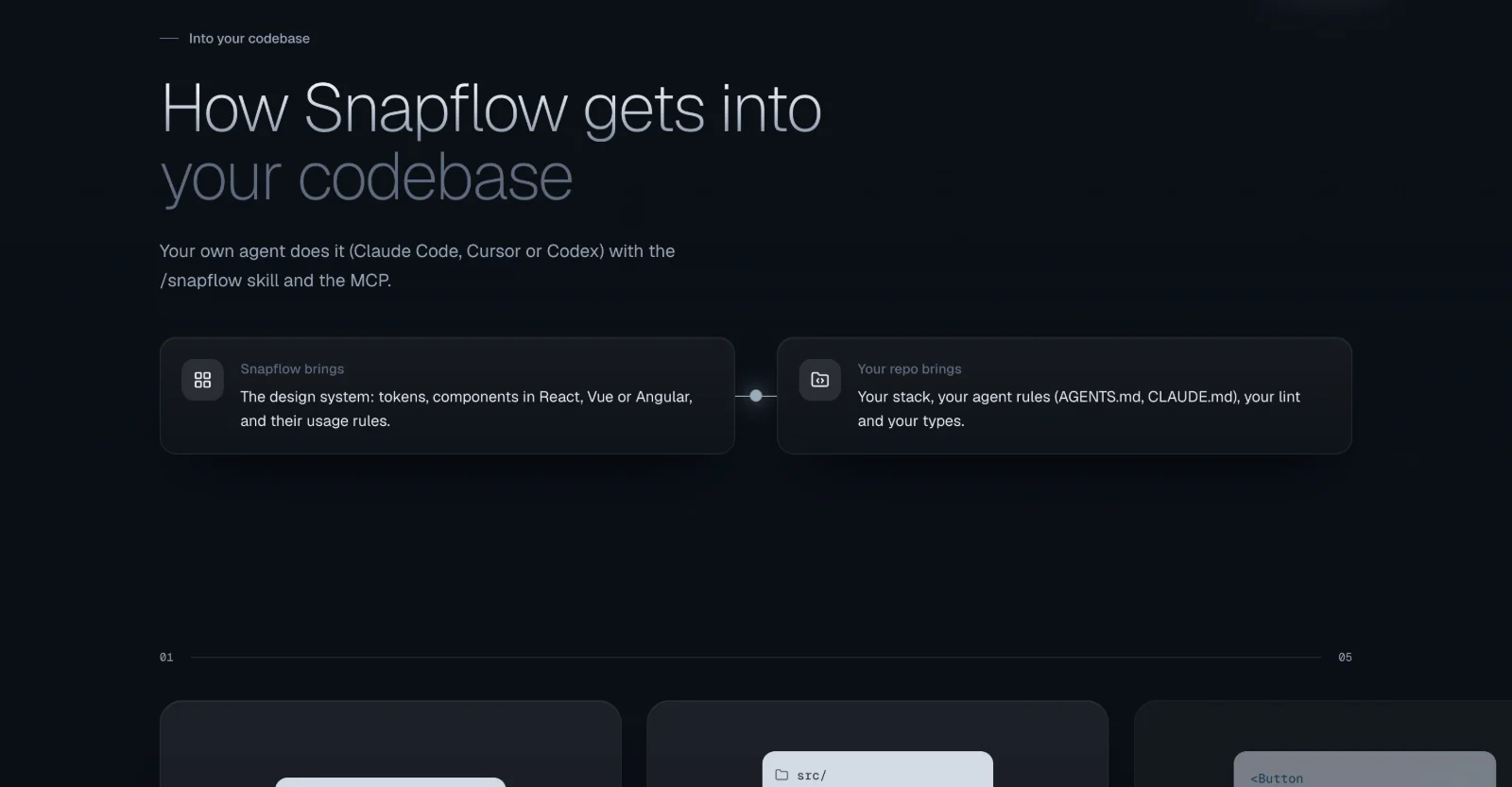
Engineers want to know what touches their repo. Two cards joined by a line split it cleanly: Snapflow brings the system, your repo keeps its stack, agent rules, lint, and types. A five-step walkthrough follows.
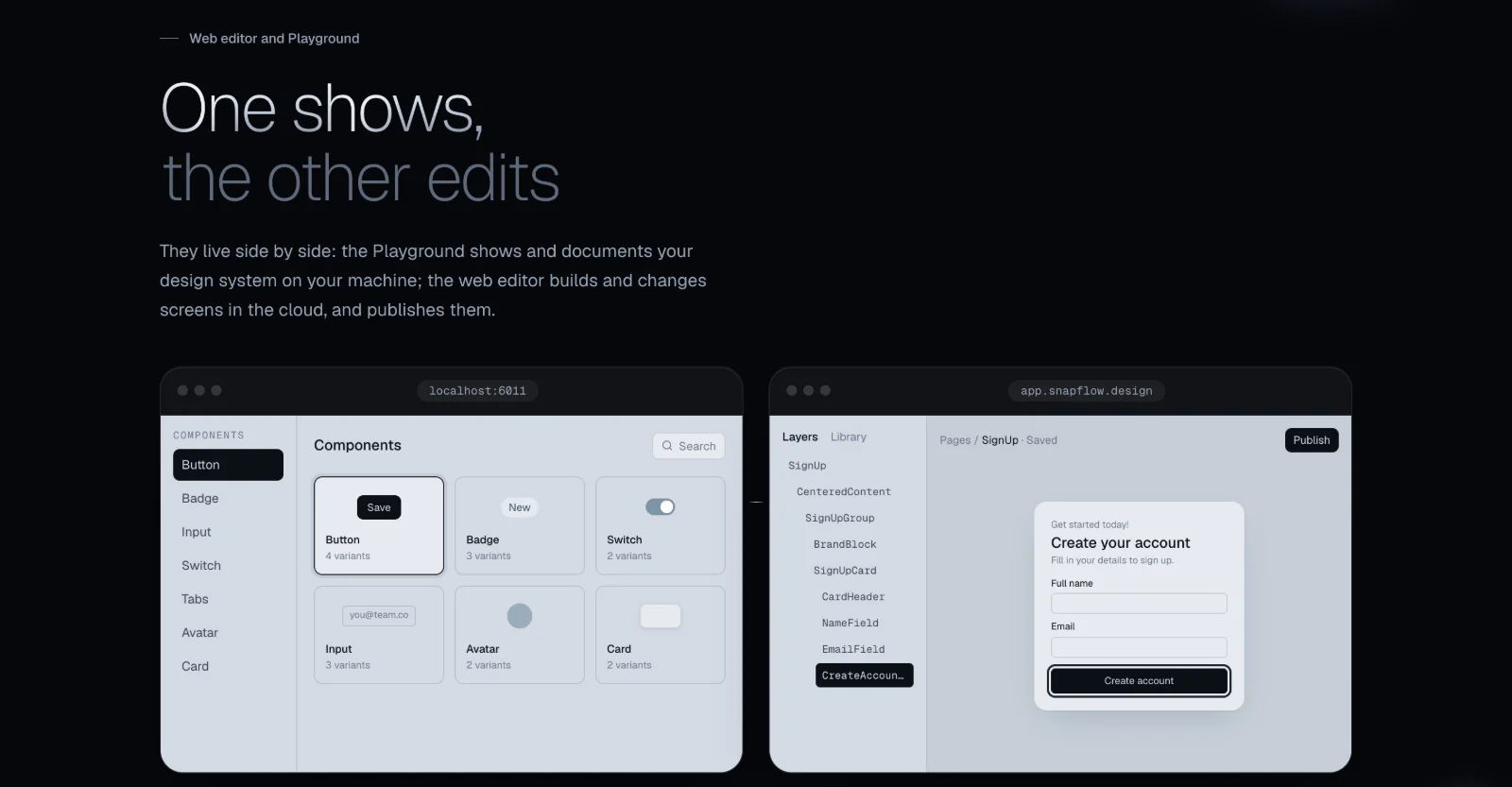
One shows, the other edits
The Playground and the web editor are easy to confuse, so they sit side by side as real windows, labelled by where they run and what they do: local and shows, cloud and edits.
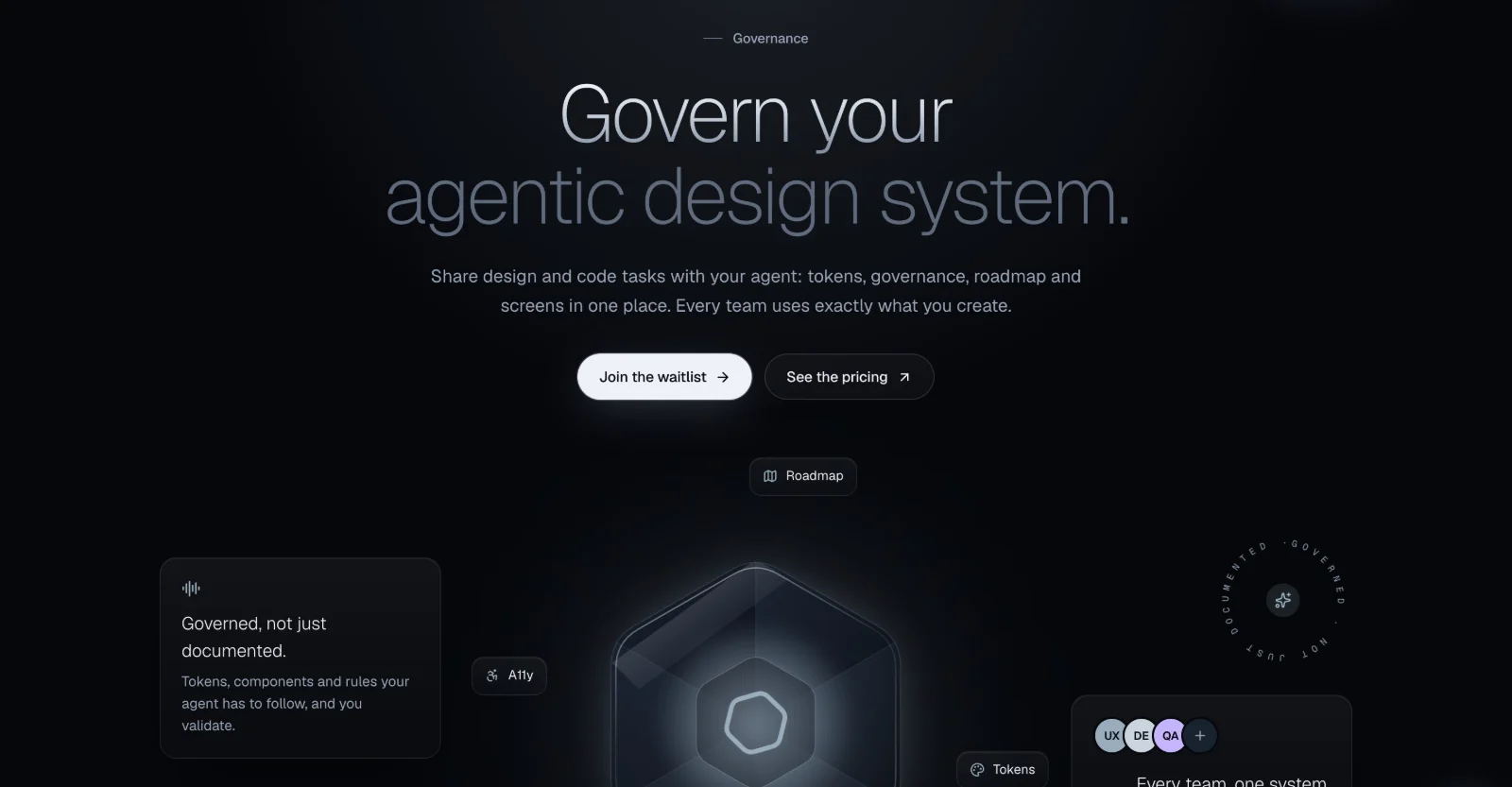
A system you can govern
Governance is abstract, so the glass hexagon, Snapflow's logo, becomes the center of the system, with roadmap, accessibility, and tokens around it and every team sharing one source.
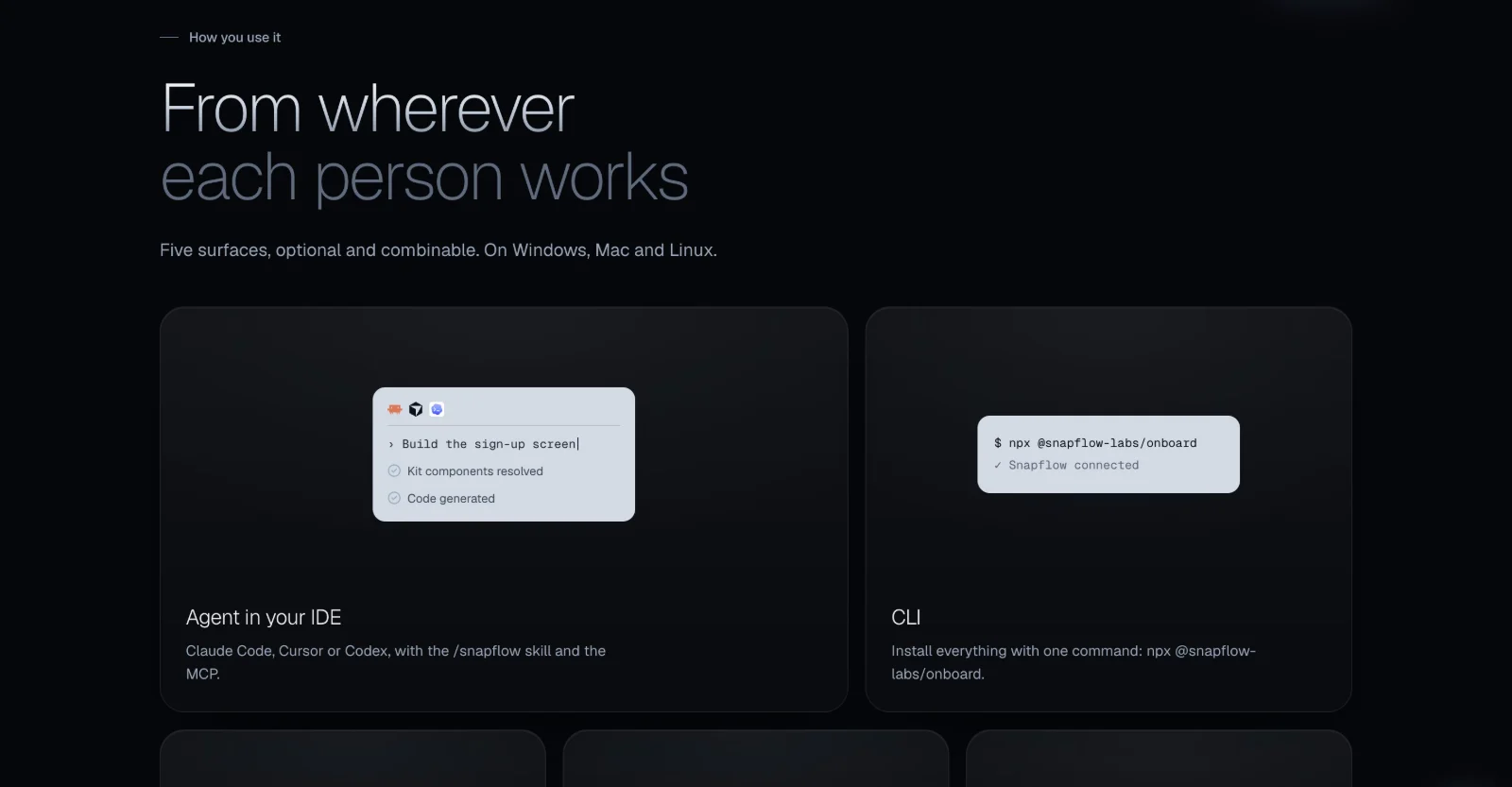
Twelve sections, one story.
The rest of the page, in order: where it runs, how you get it, which models it works with, and how to start. Hover to pause.
- Surfaces: From wherever each person works: IDE, CLI, Figma, and more.
- How it works: You don't build it. You receive it, make it yours, and build.
- Models: Bring any model or tool: Claude, Cursor, Codex, Antigravity.
- Teams: For one team or the whole company.
- Getting started: From the waitlist to your first governed screen.
- Access: Fifteen days free, then the footer.
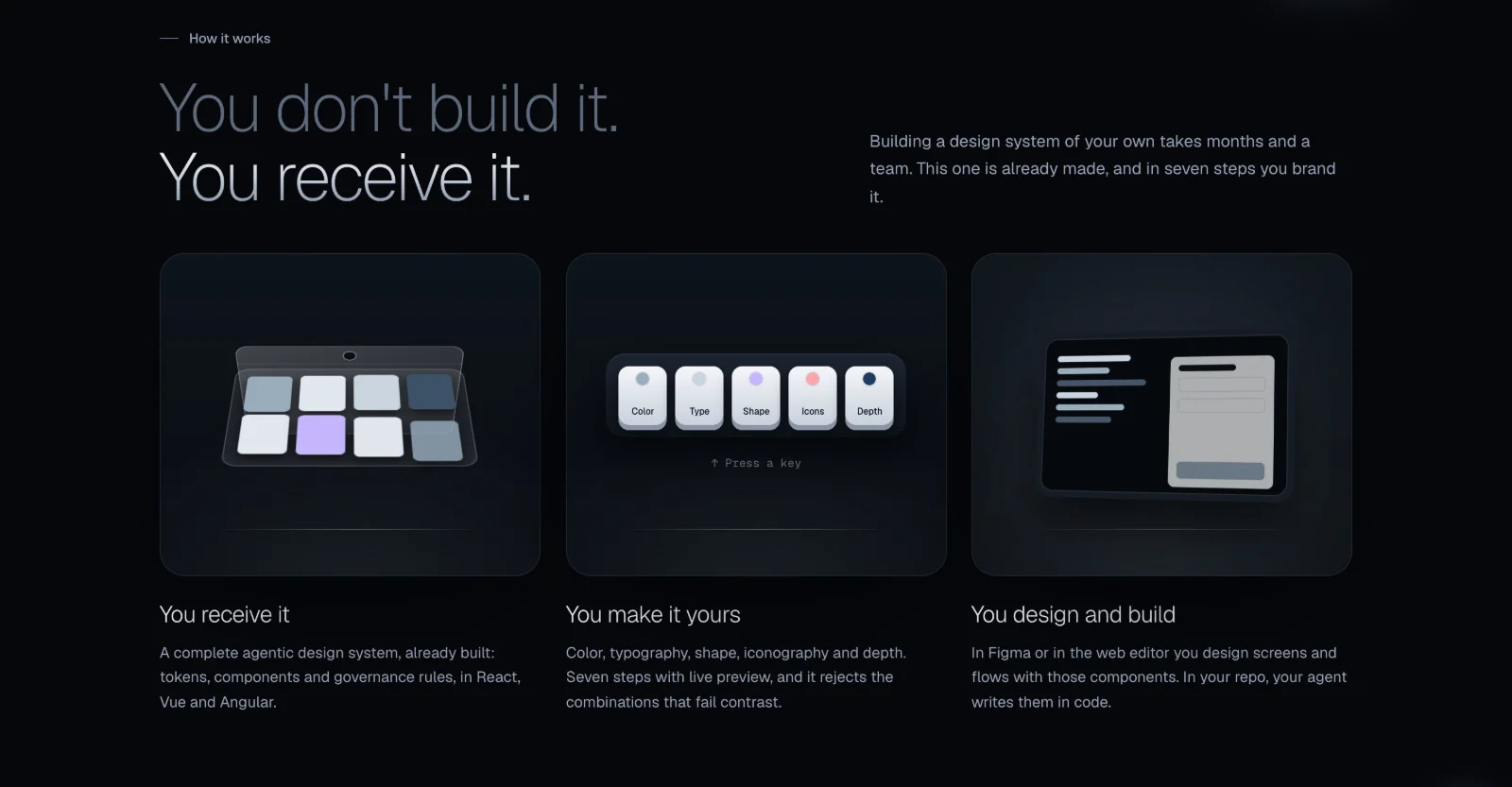
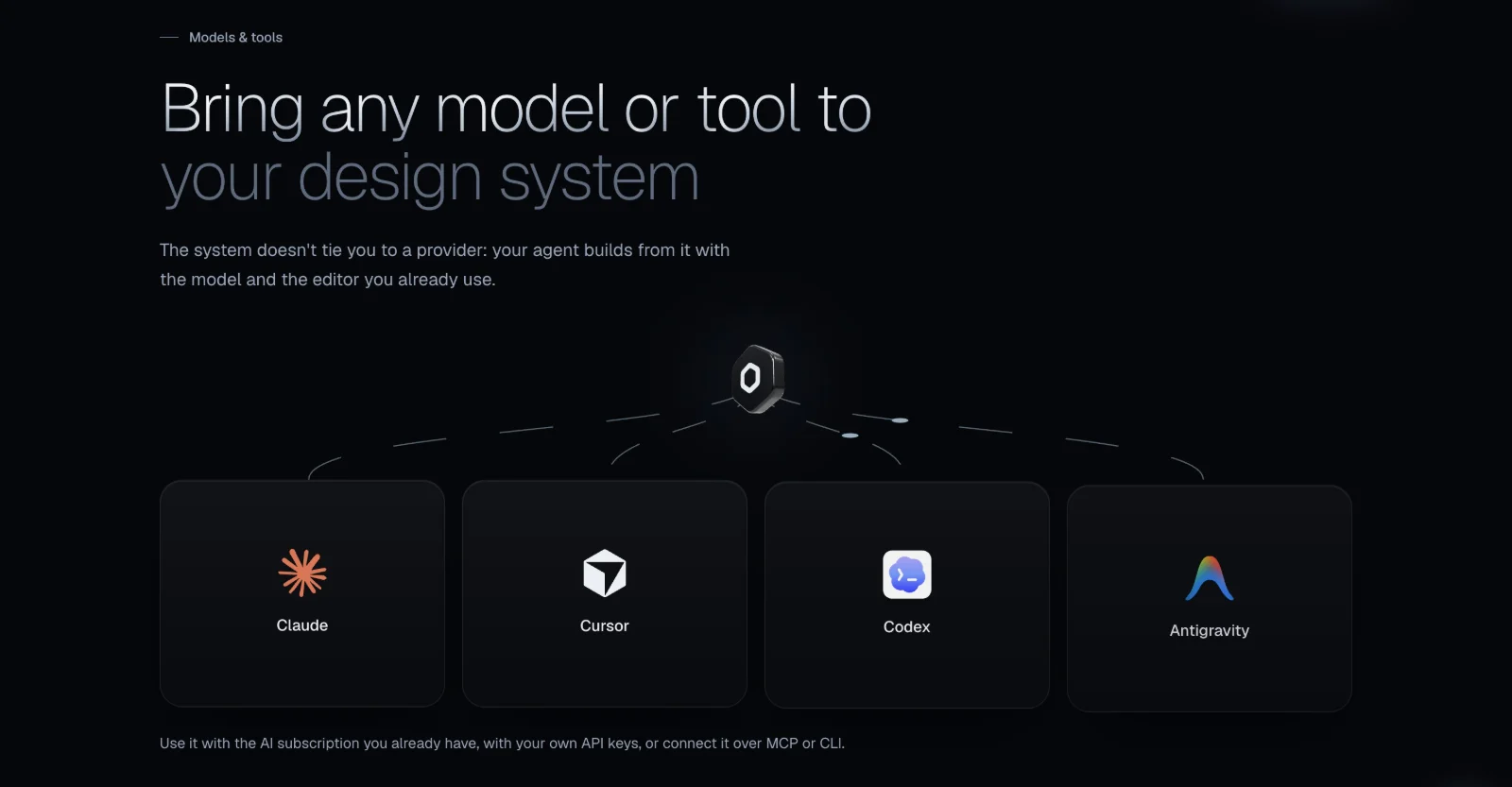
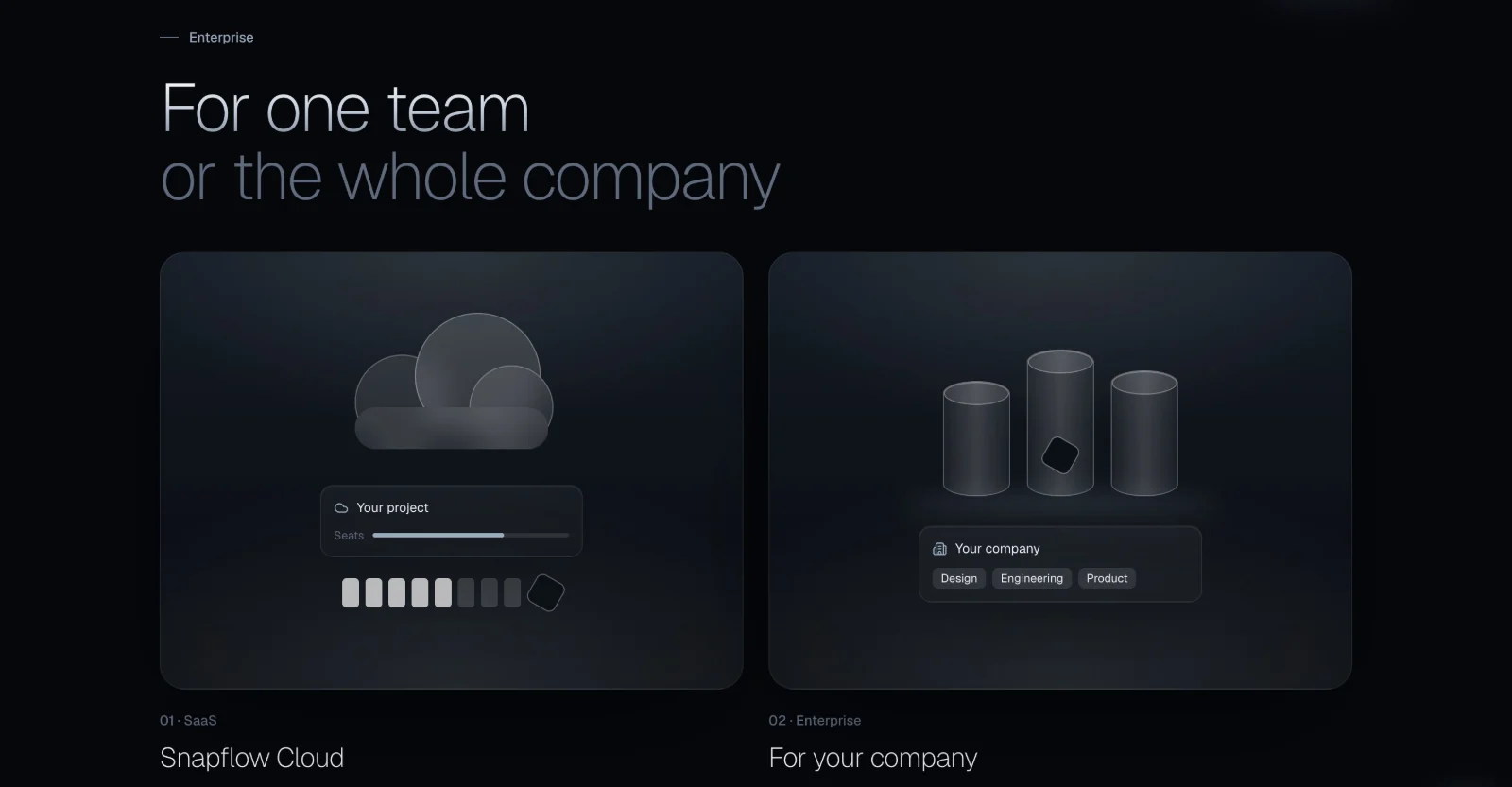
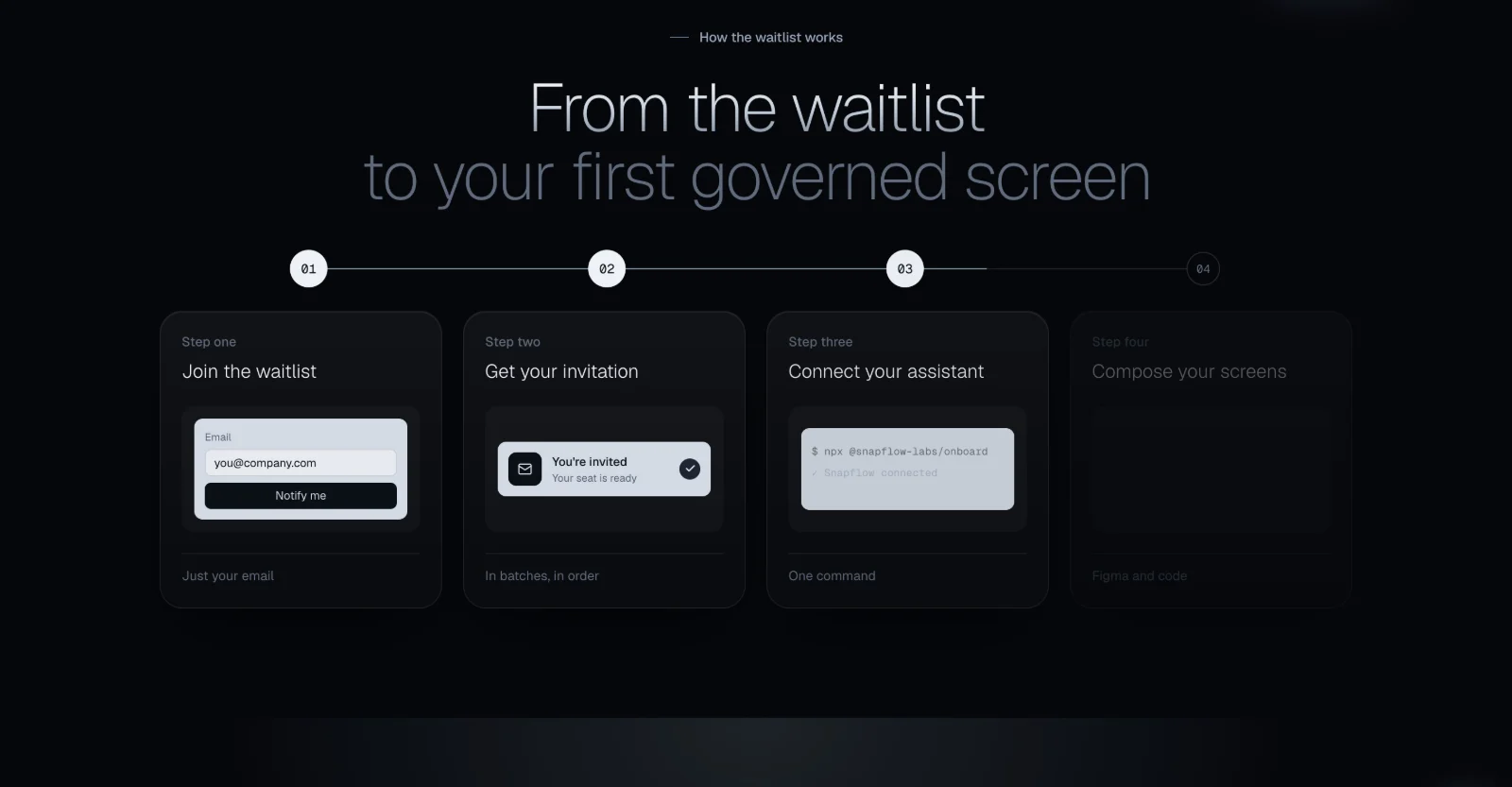
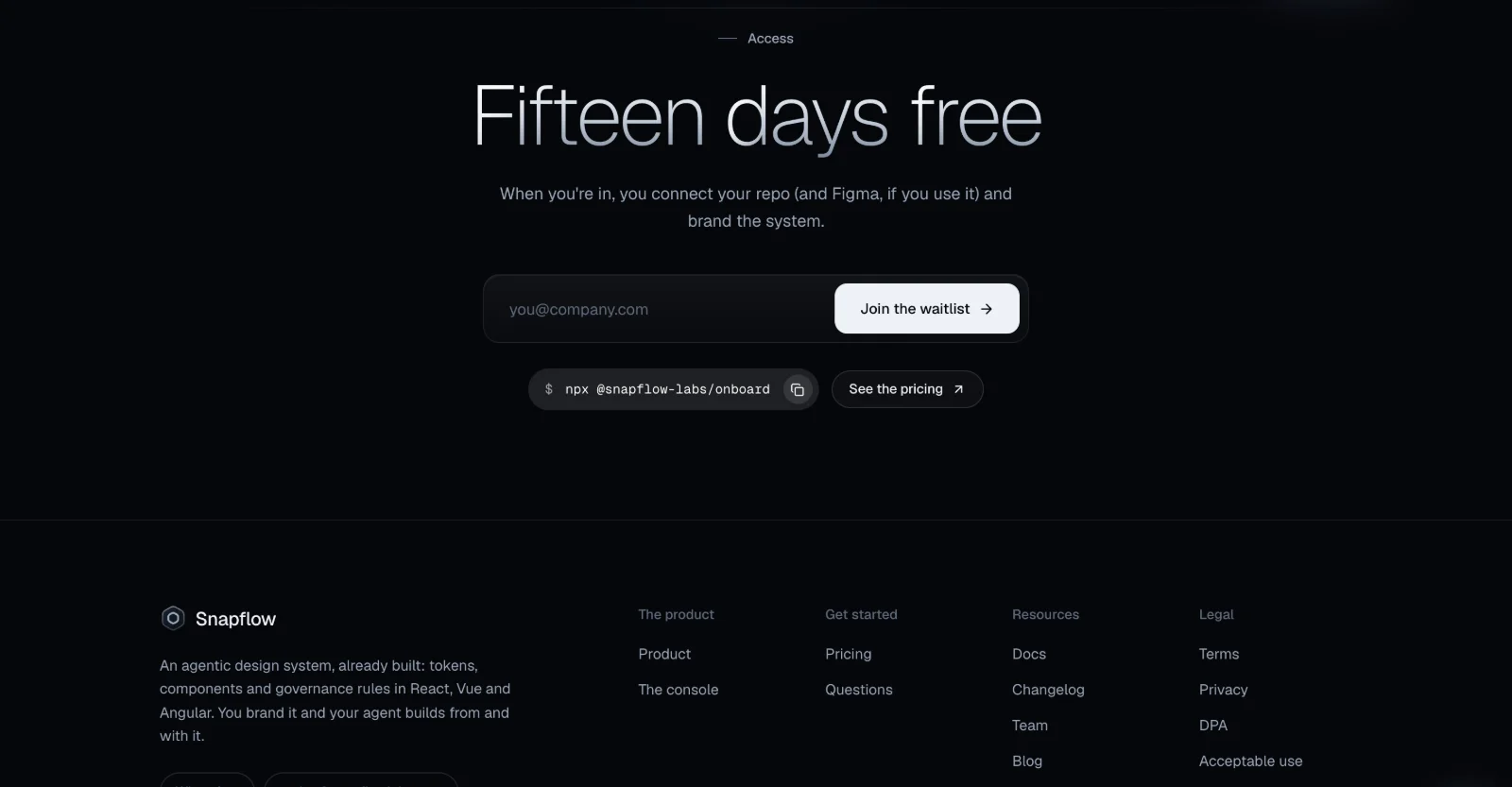
Built as a real site, not a mockup
A pitch lands harder as a link than as a deck, so I built the concept as a working site: scroll-driven scenes with GSAP ScrollTrigger and Lenis, a three.js glass hand and 3D hexagon, a dark and light theme, and the full page in English and Spanish, checked on mobile.
- Next.js 15
- React 19
- Tailwind CSS 4
- GSAP ScrollTrigger
- Lenis
- three.js
- Motion
- English and Spanish
- Dark and light
A concept you can click.
- 12 sections
- Redesigned, top to bottom
- 2 languages
- English and Spanish
- 2 themes
- Obsidian and white
- 1 link
- To pitch with, instead of a deck
How I led it.
The bet
Snapflow sells precision: one token change moving consistently through every screen. The bet was that the strongest pitch was a homepage that feels as precise as the product, built and live, so the founder could click it rather than imagine it.
My role and team
Self-initiated, solo. I wrote the brief, designed the homepage, and built it end to end, using only facts and copy from Snapflow's live site.